
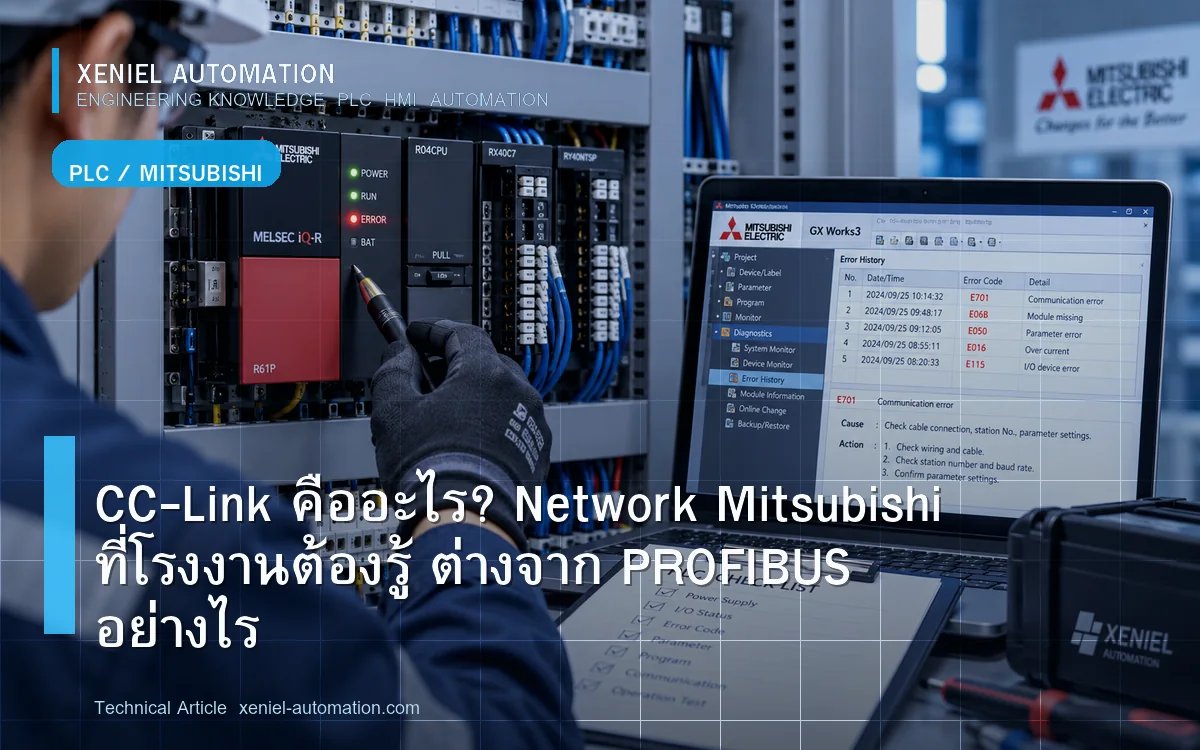
CC-Link (Control & Communication Link) คือ Industrial Network Protocol ที่พัฒนาโดย Mitsubishi Electric และปัจจุบันดูแลโดย CC-Link Partner Association (CLPA) เป็น Open Standard ที่ได้รับความนิยมมากในโรงงานที่ใช้ Mitsubishi PLC โดยเฉพาะในโรงงานญี่ปุ่นและโรงงาน Automotive ในนิคมอุตสาหกรรมชลบุรีและระยอง บทความนี้อธิบาย CC-Link ทุกเวอร์ชัน วิธีทำงาน และปัญหาที่พบบ่อย
CC-Link มีกี่เวอร์ชัน?
CC-Link (Classic) — รุ่นดั้งเดิม
Serial-based Protocol ใช้ RS-485 Speed สูงสุด 10 Mbit/s ระยะสูงสุด 1,200m รองรับ Slave สูงสุด 64 ตัว ยังใช้อยู่ในโรงงานเก่าหลายแห่ง
CC-Link IE Field — Ethernet-Based
Industrial Ethernet Version ของ CC-Link ความเร็ว 1 Gbit/s Ring Topology ที่ทนต่อ Cable Break แต่ละ Station มีความล่าช้าต่ำมาก เหมาะงาน Motion และ Safety
CC-Link IE Field Basic
ใช้ Standard Ethernet ราคาถูกกว่า CC-Link IE Field เต็มรูปแบบ เหมาะกับโรงงานที่ต้องการ Ethernet-based แต่ไม่ต้องการ Performance ระดับสูงสุด
CC-Link IE TSN (Time Sensitive Networking)
เวอร์ชันล่าสุด รองรับ IEEE 802.1 TSN Standard ให้ความแม่นยำ Timing สูงมาก สำหรับงาน Industry 4.0 และ IIoT เต็มรูปแบบ
CC-Link ทำงานอย่างไร?
CC-Link ใช้โมเดล Master-Slave โดย:
- Master Station — PLC หลัก (Mitsubishi Q/iQ-R/iQ-F) ควบคุม Network ทั้งหมด
- Local Station — PLC Slave ที่มี I/O และ Logic เป็นของตัวเอง
- Remote I/O Station — I/O Module ระยะไกลไม่มี CPU
- Remote Device Station — อุปกรณ์ที่มี Intelligent Function เช่น Inverter, Sensor Controller
Master จะ Poll ข้อมูลจากทุก Slave ในทุก Scan Cycle Data แบ่งเป็น RX/RY (Bit Data) สำหรับ Digital I/O และ RWr/RWw (Word Data) สำหรับ Analog และ Parameter
ปัญหาที่พบบ่อยใน CC-Link
- Station Error ขึ้นใน GX Works — Slave Station หายไปจาก Network
- Data Link Error บน PLC CPU — Communication ขาดกับ Master CC-Link Module
- ค่าที่อ่านจาก Slave ผิดพลาดหรือ 0 ตลอด — Address Mapping ผิด หรือ Station Number ผิด
- Station เข้า Network ไม่ได้ — Baud Rate หรือ Station Number Conflict
- Intermittent Error — Terminator ไม่ครบ หรือ Cable คุณภาพต่ำ
วิธีแก้ปัญหา CC-Link Step-by-Step
- ตรวจ LED สถานะ CC-Link Module — RUN, ERR, SD/RD LED บน CC-Link Module บอกสถานะ Network
- ดู Station Status ใน GX Works — Network Diagnostics → CC-Link จะเห็นว่า Station ไหน Error
- ตรวจ Station Number ของ Slave ที่ Error — ไปที่ Slave Device ตรวจ Rotary Switch หรือ DIP Switch ว่าตรงกับที่ Config ไว้
- ตรวจ Baud Rate — Master และ Slave ทุกตัวต้องใช้ Baud Rate เดียวกัน
- ตรวจ Terminator — CC-Link ต้องการ Terminator 110Ω ที่ปลายทั้งสองข้างของ Bus
- ตรวจ Cable — CC-Link ต้องใช้ Cable มาตรฐาน CC-Link (FANC-110SBH) ห้ามใช้ Cable RS-485 ทั่วไปแทน
CC-Link vs PROFIBUS vs PROFINET
| Protocol | Physical | Speed | Manufacturer | เหมาะกับ |
|---|---|---|---|---|
| CC-Link | RS-485 | 10 Mbit/s | Mitsubishi / CLPA | โรงงานที่ใช้ Mitsubishi |
| CC-Link IE | Ethernet | 1 Gbit/s | Mitsubishi / CLPA | ระบบ Mitsubishi ใหม่ |
| PROFIBUS DP | RS-485 | 12 Mbit/s | Siemens / PI | โรงงานที่ใช้ Siemens |
| PROFINET | Ethernet | 100M/1G | Siemens / PI | ระบบ Siemens ใหม่ |
| EtherNet/IP | Ethernet | 100M/1G | Allen-Bradley / ODVA | โรงงาน Rockwell |
ควรเรียกผู้เชี่ยวชาญเมื่อไหร่?
- Station Error ที่แก้ไม่ได้แม้ตรวจ Hardware แล้ว
- ต้องการ Expand CC-Link Network เพิ่ม Slave ใหม่
- ต้องการ Migrate จาก CC-Link Classic เป็น CC-Link IE
- Slave Device Discontinued ต้องการหา Protocol Converter
สรุป
CC-Link เป็น Protocol ที่ Reliable มากถ้าติดตั้งถูกต้อง โดยเฉพาะเรื่อง Cable Standard, Terminator และ Station Number การวินิจฉัยผ่าน GX Works ทำให้หาปัญหาได้เร็ว ทีม Xeniel Automation ชำนาญ CC-Link ทุกเวอร์ชันสำหรับโรงงานในชลบุรีและระยอง
ต้องการผู้เชี่ยวชาญ CC-Link สำหรับโรงงาน?
Xeniel Automation ชำนาญ CC-Link / CC-Link IE ทุกเวอร์ชัน รับ Troubleshoot Expand Network และ Commission Slave ใหม่ บริการนิคมชลบุรีและระยอง
ส่งรายละเอียดให้ทีมตรวจขอบเขตโทร 098-965-3845 | LINE: xeniel.24
ตาราง CC-Link vs CC-Link IE
| Protocol | Speed | Media | Max Stations | ใช้เมื่อ |
|---|---|---|---|---|
| CC-Link (Classic) | 10 Mbps max | RS-485 Shielded Cable | 64 Stations | งาน Legacy ที่มีอยู่แล้ว |
| CC-Link IE Field | 1 Gbps | Ethernet Cat5e/6 | 120 Stations | งานใหม่ High-speed |
| CC-Link IE TSN | 1 Gbps (Time-Sensitive) | Ethernet Cat5e/6 | ไม่จำกัด | Motion Control + I/O รวมกัน |
สรุป
CC-Link เป็นมาตรฐานสำคัญสำหรับโรงงานที่ใช้ Mitsubishi PLC Xeniel Automation รับ Setup และ Troubleshoot CC-Link สำหรับโรงงานในชลบุรีและระยอง
CC-Link มีปัญหา? ส่งรุ่นอุปกรณ์และอาการเพื่อสอบถามขอบเขต
Xeniel Automation รับ CC-Link Setup, Troubleshoot และ Upgrade เป็น CC-Link IE สำหรับโรงงานชลบุรีและระยอง
คุยรายละเอียดผ่าน LINE โทร 098-965-3845