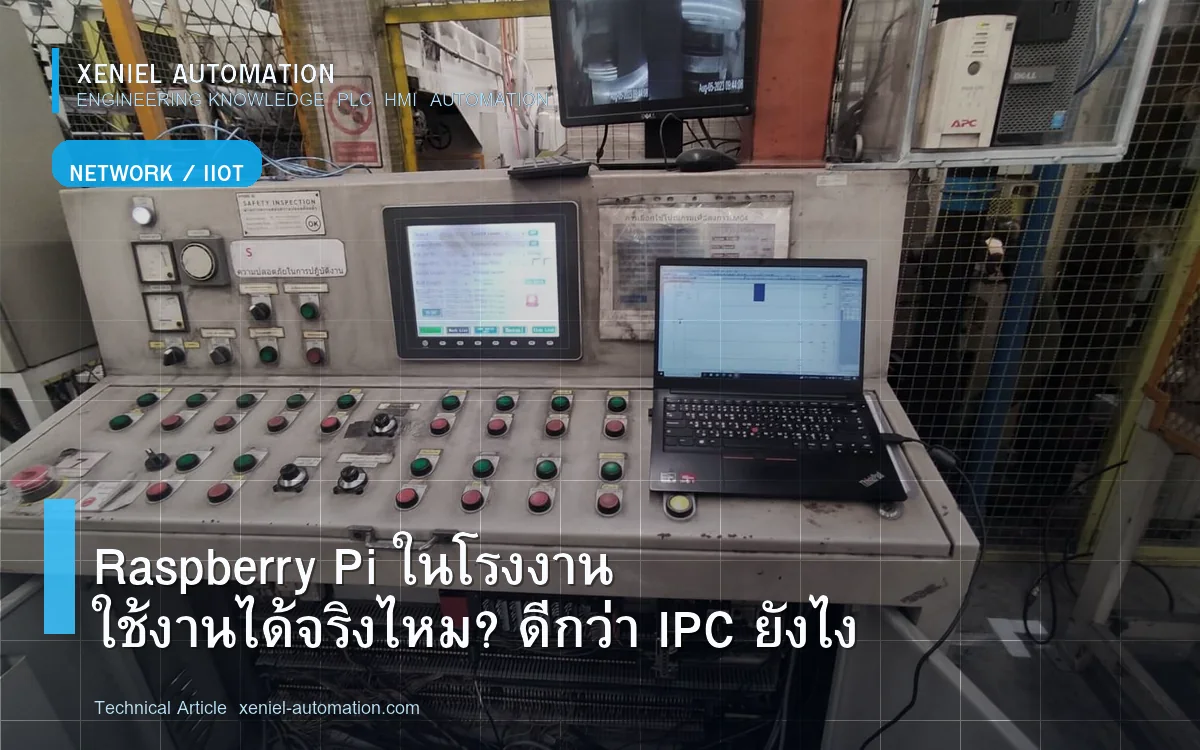
Raspberry Pi ในโรงงาน — ตอนนี้ใช้งานกันแพร่หลายมากขึ้นทุกปี ด้วยราคา 1,500–3,000 บาทเทียบกับ Industrial PC หลักหมื่น ทำให้เป็นตัวเลือกยอดนิยมสำหรับงาน IoT Gateway, SCADA Light และ LINE Notify ในโรงงาน SME แต่การใช้งานให้ถูกต้องต้องเข้าใจข้อจำกัดที่สำคัญก่อน
ปัญหาที่พบบ่อยเมื่อใช้ Raspberry Pi ในโรงงาน
- Raspberry Pi ค้างหรือ Restart เองโดยไม่ทราบสาเหตุ — มักเกิดจาก Power Supply ไม่เสถียรหรืออุณหภูมิสูง
- SD Card เสียหายจาก Power Failure — ไฟดับกะทันหัน File System Corrupt ทำให้ Boot ไม่ขึ้น
- Python Script หยุดทำงานกลางดึก — Exception ที่ไม่มี Error Handling ทำให้ Script Exit
- Communication ขาดกับ PLC เป็นช่วงๆ — Network หรือ Modbus Timeout ไม่มี Retry Logic
- ร้อนเกินในตู้คอนโทรล — Raspberry Pi ทำงานที่ 0–40°C ตู้โรงงานอาจร้อนกว่านั้น
ตาราง: Raspberry Pi vs Industrial PC เปรียบเทียบ
| ปัจจัย | Raspberry Pi 5 | Industrial PC (Fanless) |
|---|---|---|
| ราคา | 1,500–3,500 บาท | 15,000–80,000 บาท |
| Operating Temp | 0–50°C (ทั่วไป) | -20°C ถึง 70°C |
| Storage | SD Card (เสี่ยง) | SSD/eMMC (Reliable) |
| Vibration | ไม่ออกแบบมาทน | ทน Vibration Industry Spec |
| Power Failure | SD Corrupt ได้ง่าย | มี UPS Input, Watchdog |
| Watchdog Timer | Software Watchdog ใช้ได้ | Hardware Watchdog Built-in |
| Support | Community | Vendor Support |
| Availability | Consumer Product | Guaranteed 5–10 ปี |
วิธีใช้ Raspberry Pi ในโรงงานให้ Reliable
1. แก้ปัญหา SD Card เสีย
- ใช้ Read-Only Root Filesystem (ภาษาอังกฤษ: overlayfs หรือ read-only root)
- เปลี่ยนจาก SD Card เป็น SSD ต่อผ่าน USB3 หรือ NVMe HAT
- ใช้ UPS Module สำหรับ Raspberry Pi (มีขายราคา 500–1,500 บาท)
2. ป้องกัน Python Script หยุดทำงาน
- ใช้ systemd service ให้ Script Restart อัตโนมัติถ้า Crash
- เพิ่ม try-except ทุก Communication Function
- เพิ่ม Heartbeat ส่งสัญญาณทุก 5 นาทีเพื่อยืนยันว่ายังทำงาน
3. ควบคุมอุณหภูมิ
- ติดตั้งใน Enclosure ที่มี Cooling พอ อุณหภูมิ ≤ 40°C
- ติด Heatsink และ Fan บน Raspberry Pi
- ตรวจอุณหภูมิด้วย vcgencmd measure_temp
Use Case จริงที่ Xeniel ใช้ Raspberry Pi
IoT Gateway + LINE Notify
Raspberry Pi อ่านค่าจาก PLC Mitsubishi ผ่าน Modbus TCP ทุก 5 วินาที ถ้า Machine Stop Bit = ON ส่ง LINE Notify ทันที พร้อม Production Count ล่าสุด ต้นทุน Hardware: 2,500 บาท เปรียบเทียบกับระบบ Commercial: 50,000–100,000 บาท
OEE Dashboard Web-based
ใช้ Raspberry Pi รัน Python + Dash (Plotly) สร้าง Web Dashboard แสดง OEE Real-time ทุกคนในโรงงานเปิดดูผ่าน Browser บนมือถือหรือ PC ได้ทันที
Daily Production Report อัตโนมัติ
Script Python รัน Cron Job ทุกเที่ยงคืน สรุปยอดผลิตและ Downtime ส่ง Email และ LINE ให้ Manager ทุกเช้า
เมื่อไหร่ควร Upgrade จาก Raspberry Pi เป็น Industrial PC
- ระบบเป็น Mission Critical ที่ Downtime 5 นาที = เสียเงินหลักพัน
- อุณหภูมิสภาพแวดล้อมสูงกว่า 40°C อย่างสม่ำเสมอ
- ต้องการ Guaranteed Availability 5–10 ปี
- มีสั่นสะเทือนในพื้นที่ติดตั้ง
ควรเรียกผู้เชี่ยวชาญเมื่อไหร่?
- ต้องการ Design ระบบ Raspberry Pi Gateway ที่ Reliable
- ต้องการ Dashboard + LINE Notify แบบ Ready-to-Use
- ต้องการ Hybrid PLC + Raspberry Pi + Cloud Solution
สรุป
Raspberry Pi ใช้ในโรงงานได้ผลดีถ้า Design ถูกต้อง ไม่ใช้แทน PLC แต่ใช้เป็น IoT Layer เสริม แก้ปัญหา SD Card ด้วย UPS และ Read-Only FS แก้ Python Script ด้วย systemd Xeniel Automation รับ Design ระบบ IoT Factory สำหรับโรงงานในชลบุรีและระยอง
ต้องการ Raspberry Pi Gateway ในโรงงาน? Xeniel Setup ให้
Xeniel Automation รับ Design และติดตั้ง IoT Gateway, LINE Notify, OEE Dashboard ด้วย Raspberry Pi หรือ Industrial PC สำหรับโรงงานชลบุรีและระยอง
ปรึกษาฟรีทาง LINE โทร 098-965-3845