
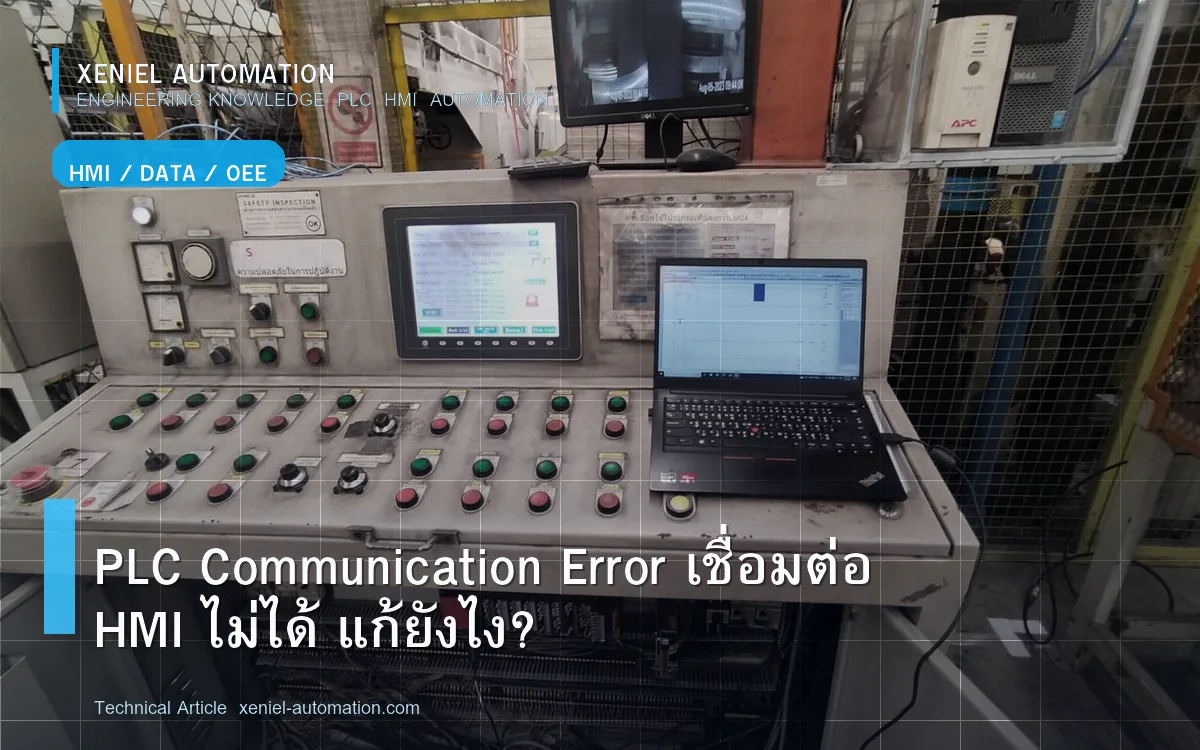
PLC Communication Error คือปัญหาที่ PLC ไม่สามารถสื่อสารกับอุปกรณ์อื่นในระบบ ไม่ว่าจะเป็น HMI, SCADA, Inverter, Servo Drive หรือ Remote I/O บทความนี้รวบรวมวิธีแก้จากประสบการณ์จริงในโรงงานชลบุรีและระยอง
ปัญหาที่พบบ่อย
- HMI ขึ้น "PLC No Response" หรือ "Communication Error"
- SCADA อ่าน Tag ไม่ได้ค่าไม่ Update
- Inverter ไม่รับคำสั่ง Speed Reference จาก PLC
- Remote I/O Module ขาดหายไปจากระบบ
- Communication ทำงานบ้างไม่ทำงานบ้าง (Intermittent)
สาเหตุหลักของ Communication Error
1. Physical Layer — สายและ Connector
40% ของ Communication Error มาจาก Connector หลวม, สายขาด, หรือ Oxidation บน Pin ตรวจก่อนเสมอ
2. Protocol Setting ไม่ตรงกัน
Baud Rate, Parity, Stop Bit, Station Address ต้องตรงกันทั้งสองฝั่ง ผิดแม้ค่าเดียว Communication ล้มเหลว 100%
3. IP Address Conflict (Ethernet)
Device 2 ตัวมี IP เดียวกันทำให้ Communication สุ่มหลุด ทำ Network Scan ดูว่ามี IP ซ้ำ
4. Termination ขาด (RS-485/PROFIBUS)
PROFIBUS DP และ RS-485 ต้องการ Terminating Resistor 120Ω ที่ปลายทั้งสองข้างของ Bus ถ้าไม่มีสัญญาณจะรบกวนกัน
5. EMI/Noise จาก Inverter หรือ Power Cable
สาย Signal วิ่งชิดสาย Power ทำให้รับ Noise ต้องใช้ Shielded Cable และแยก Routing
วิธีแก้ Step-by-Step ตาม Protocol
RS-485 Modbus RTU
- ตรวจ Termination 120Ω ที่ปลาย 2 ข้างของ Bus
- ตรวจ Polarity A/B ให้ตรงทุกตัว
- ตรวจ Baud Rate และ Parity ให้ตรงกันทั้ง Master และ Slave
- ใช้ Modbus Poll Software ทดสอบ Read Register โดยตรงจาก PC
Ethernet (Modbus TCP / EtherNet/IP)
- Ping IP Address ของ Device ปลายทางจาก PC
- ตรวจ IP ไม่ซ้ำกัน ทุก Device ใน Subnet เดียวกัน
- ตรวจ Firewall ใน Windows ว่าไม่ Block Port ที่ใช้
- ลอง Bypass Switch ต่อตรงดูว่า Communication ดีขึ้น
PROFIBUS DP
- ตรวจ DP Connector ว่าหัว Termination Switch เปิดถูกตัวหรือเปล่า (ปลาย Bus = ON, ตรงกลาง = OFF)
- ดู Diagnostic ใน TIA Portal ว่า Slave ไหน Red
- ตรวจ GSD File ของ Slave ว่า Version ตรงกับ Hardware จริง
ตาราง Protocol และจุดที่ต้องตรวจ
| Protocol | จุดที่ต้องตรวจก่อน | ปัญหาที่พบบ่อย |
|---|---|---|
| RS-485 Modbus RTU | Termination, Polarity A/B, Baud Rate | ไม่มี Termination |
| Modbus TCP | IP Address, Port 502, Subnet | IP Conflict |
| PROFIBUS DP | Termination Switch, GSD File, Address | DP Connector Termination ผิด |
| PROFINET | Device Name, IP, Industrial Switch | Device Name ไม่ Assign |
| CC-Link | Station No., Baud Rate, Terminator | Station Address ซ้ำ |
ควรเรียกผู้เชี่ยวชาญเมื่อไหร่?
- Intermittent Error ที่หาสาเหตุไม่ได้ ต้องใช้ Protocol Analyzer
- ต้องการออกแบบ Network Architecture ใหม่
- Migrate Protocol จาก RS-485 เป็น Ethernet
สรุป
Communication Error แก้ได้ถ้าตรวจ Physical Layer ก่อน แล้วค่อยตรวจ Setting ทีม Xeniel Automation รับ Network Troubleshooting ทุก Protocol ในโรงงานชลบุรีและระยอง
PLC ปัญหา? Xeniel ออนไซต์ด่วนชลบุรี-ระยอง
Xeniel Automation รับแก้ PLC ทุกยี่ห้อ ทุกปัญหา ออนไซต์ได้ใน 1-2 ชั่วโมงในนิคมอุตสาหกรรมชลบุรีและระยอง
ปรึกษาวิศวกรฟรี ทันที!โทร 098-965-3845 | LINE: @xeniel.24
ตาราง Protocol Communication และปัญหาที่พบบ่อย
| Protocol | ยี่ห้อ PLC | สาเหตุ Error ที่พบบ่อย | วิธีตรวจสอบ |
|---|---|---|---|
| MELSEC Ethernet | Mitsubishi | IP ผิด, Port 5000 Block | Ping IP, ตรวจ Firewall Port |
| CC-Link (RS-485) | Mitsubishi | Terminator ขาด, Baud Rate ผิด | ตรวจ 110Ω Terminator ปลายทั้งสอง |
| S7 Protocol | Siemens | IP ผิด, Rack/Slot ผิด | ตรวจ IP, Rack=0 Slot=1 (S7-1200) |
| Modbus TCP | ทุกยี่ห้อ | IP ผิด, Unit ID ผิด, Port 502 Block | ตรวจ IP, Unit ID, Port 502 |
| Modbus RTU (RS-485) | ทุกยี่ห้อ | Baud Rate ผิด, Parity ผิด, A/B สลับ | ตรวจ COM Parameter, สาย A/B |
| EtherNet/IP | Allen-Bradley | IP ผิด, EDS File ผิด | ตรวจ IP, EDS File Version |
| PROFIBUS DP | Siemens | GSD File ผิด, Terminator ขาด | ตรวจ GSD File, DP Connector |
วิธีทดสอบ Modbus TCP ด้วย PC (แทน HMI)
ใช้ Modbus Poll (Free Tool) บน PC ทดสอบว่า PLC รับ Modbus ได้ไหม:
- Download Modbus Poll จาก modbustools.com
- Connection → Connect → ใส่ IP Address ของ PLC, Port 502
- เลือก Function Code 01 (Read Coils) อ่าน Address 0 Count 10
- ถ้าอ่านได้ = PLC ส่ง Modbus ได้ ปัญหาอยู่ที่ HMI Setting
- ถ้าอ่านไม่ได้ = ตรวจ IP, PLC Modbus Server ยังไม่เปิด
ควรเรียกผู้เชี่ยวชาญเมื่อไหร่?
- ตรวจทุกอย่างแล้วยังสื่อสารไม่ได้ ต้องการ Protocol Analyzer
- Communication Intermittent ที่หาสาเหตุไม่ได้
- ต้องการออกแบบ Network Architecture ใหม่
สรุป
PLC Communication Error แก้ได้ตามลำดับ Physical → Network → Protocol → Application เริ่มจาก Ping ก่อนเสมอ โรงงานในชลบุรีและระยอง Xeniel Automation แก้ปัญหา Communication ทุก Protocol ออนไซต์ได้ด่วน
PLC Communication Error? Xeniel แก้ได้ทันที
Xeniel Automation รับแก้ PLC Communication Error ทุก Protocol Modbus PROFIBUS EtherNet/IP ออนไซต์ชลบุรีและระยอง
ปรึกษาฟรีทาง LINE โทร 098-965-3845